Hands-on fader controls
Raised fader caps, readable green value displays and consistent panel styling make levels and processing settings easy to locate and adjust.
Record, shape and mix your sound in one coherent workspace. S STUDIO DAW Standard Edition brings together recording, waveform editing, channel dynamics and effects, with flexible monitor modes for studio sessions and portable field work.
The core S STUDIO DAW experience: recording, waveform editing, mixing and built-in DSP in a consistent console-style interface. Standard Edition is designed for compatible audio interfaces, without requiring the dedicated Scarlett 18i20 and Helix setup.
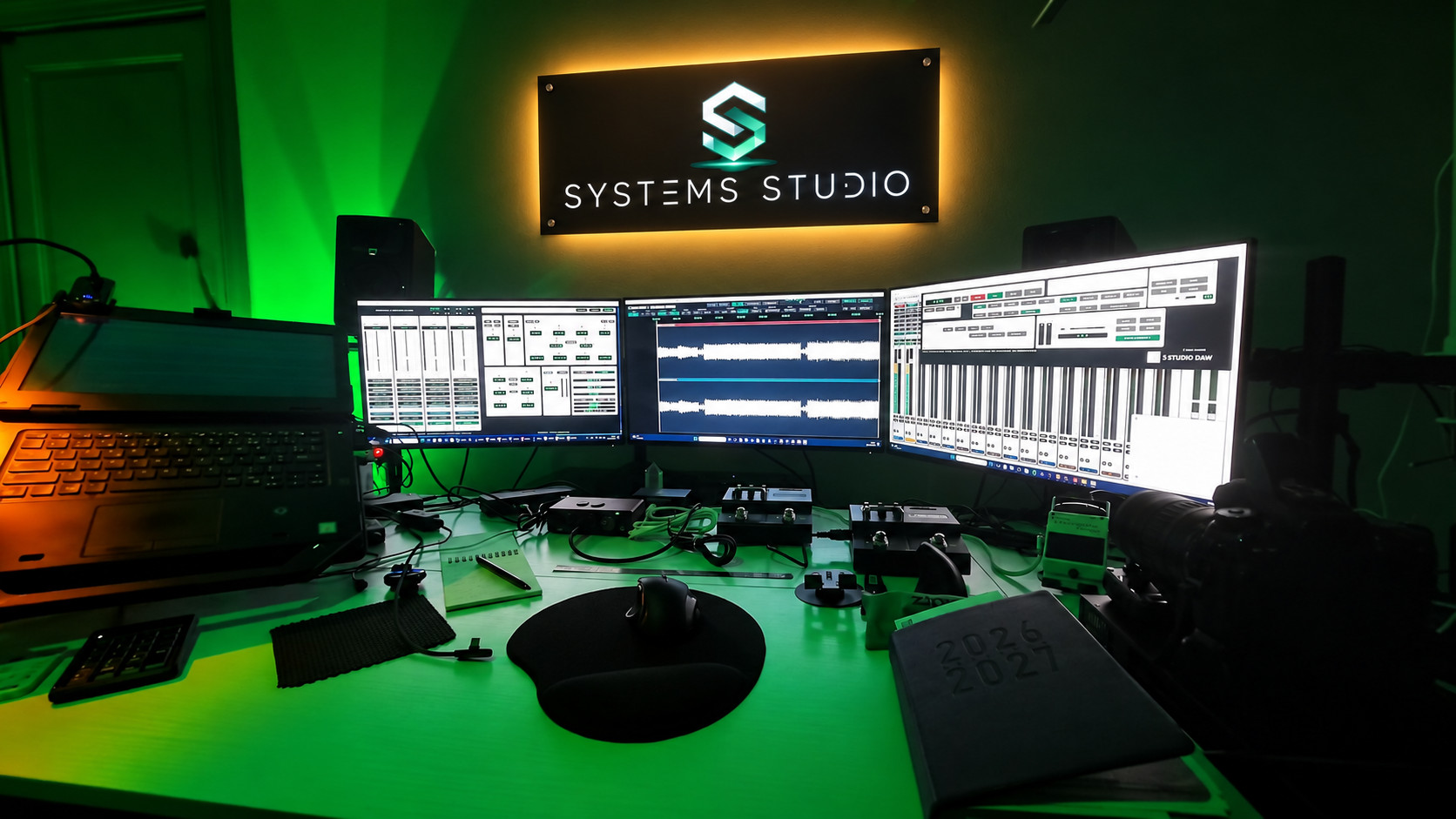
Choose a layout that suits your setup. Panels open on their assigned displays, the selected profile is remembered, and the workspace falls back to available screens when a monitor is disconnected.
| Mode | Panel organisation |
|---|---|
| Laptop | A compact single-screen workspace for portable recording and field work, with panels available on demand. |
| 1 monitor | Recording controls, waveform editor and mixer share the main display. Open the workspace you need for the task. |
| 2 monitors | Mixer and transport on the first display; waveform editing and processing panels on the second. |
| 3 monitors | Left: recording preamps in groups of four alongside vertically stacked transport controls, with DSP and dynamics access. Centre: waveform editor. Right: mixer. |
A familiar console layout keeps the controls close to the work, from setting a recording level to shaping the final mix.
Raised fader caps, readable green value displays and consistent panel styling make levels and processing settings easy to locate and adjust.
Press C to show transport controls. Use the Waveform button to open the editor on its assigned display, and access channel processing from the mixer.
Recording preamps are arranged in groups of four, keeping multichannel sessions manageable while leaving room for the transport panel.
Input gain, noise reduction, parametric EQ, de-essing, compression and limiting provide a dedicated pre-recording processing chain.
Reverb and delay complement channel dynamics, EQ, sends and linked stereo controls in the mixing workspace.
Recording controls stay focused on capture. Post-recording processing racks open when needed for mixing, keeping the recording workspace clear.
Standard Edition is under active development. Final licensing, system requirements and release availability will be announced after validation.
S STUDIO DAW focuses on the core actions that need to feel immediate in a studio: record, navigate, edit, mix and recover the project without breaking the creative flow.
Record from available audio inputs, place recorded material directly into the song workspace and retain project audio with the session.
Full waveform rendering, fit-to-view behavior, timeline navigation and a movable playback cursor for accurate visual editing.
Play, pause, record and timeline-following transport logic designed to remain synchronized during playback, fast-forward and rewind.
Link left and right rack channels so matching controls follow each other symmetrically for stereo operation.
Rack-style channel control with dedicated mixer and send sections, gain control and a console-inspired operational layout.
An extensible processing layer being developed to connect the workstation to VST3-compatible DSP and plug-in workflows.
A planned second tier builds on Standard Edition with dedicated Focusrite Scarlett 18i20 and Line 6 Helix routing workflows. Hardware integration remains subject to testing on the target devices; hardware is sold separately.
Multichannel audio-interface compatibility for recording, playback, monitor routing and expanded studio I/O workflows. The 18i20 is the target reference interface for this planned integration tier.
External DSP integration for send/return routing, processed signal paths and hardware-assisted effects workflows. S STUDIO DAW includes a dedicated Helix external-DSP control concept in the channel rack.
The routing architecture is being designed around standard desktop audio interfaces and external DSP devices so additional professional hardware can be added as the platform develops.
The product is still under active development. The roadmap below describes the current technical direction rather than a fixed commercial release specification.